When having trouble editing an editable resource, the first thing to check is that you’re opening the file in Adobe.
Make sure to have Adobe on your computer and if you don’t yet, you can search “Adobe Acrobat Free” and download and install the program. After installing, make sure to re-download the resources before opening again.
If you have Adobe on your computer and are still having trouble, you can follow these steps to check if the file is opening in Adobe.
- Find the file on your computer, either in your “Downloads” folder or wherever you saved it when downloading.
- Right click on the file and click “Open With” and choose your Adobe program from the list shown.
- If Adobe is not show, click on “Other” and go to your applications and select the Adobe program that is on your computer
If you are still having trouble, you can also try updating your Adobe program. After running the updates, make sure to restart your computer before downloading the files again.
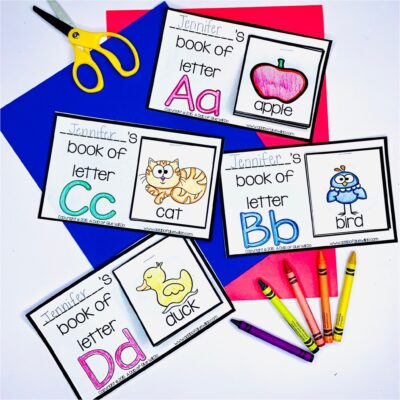
Check out this video on how to use our Apple Editable Name Activity!
If you are still having trouble, please email us at hello@adabofgluewilldo.com and we will be happy to help you!